
Internet Speed Needed for IPTV: Minimum Mbps for HD, 4K & 8K Streaming
Updated November 2026 · 6 min read · Verified by strongiptv Engineering
Key Takeaways (Google Snippet)
To stream IPTV without buffering: 10–15 Mbps is required for standard 1080p Full HD; 25–35 Mbps is required for 4K Ultra HD; and 50–100 Mbps is required for 8K streaming. Just as importantly, your Ping latency must be under 50ms and Packet Loss must be 0%.
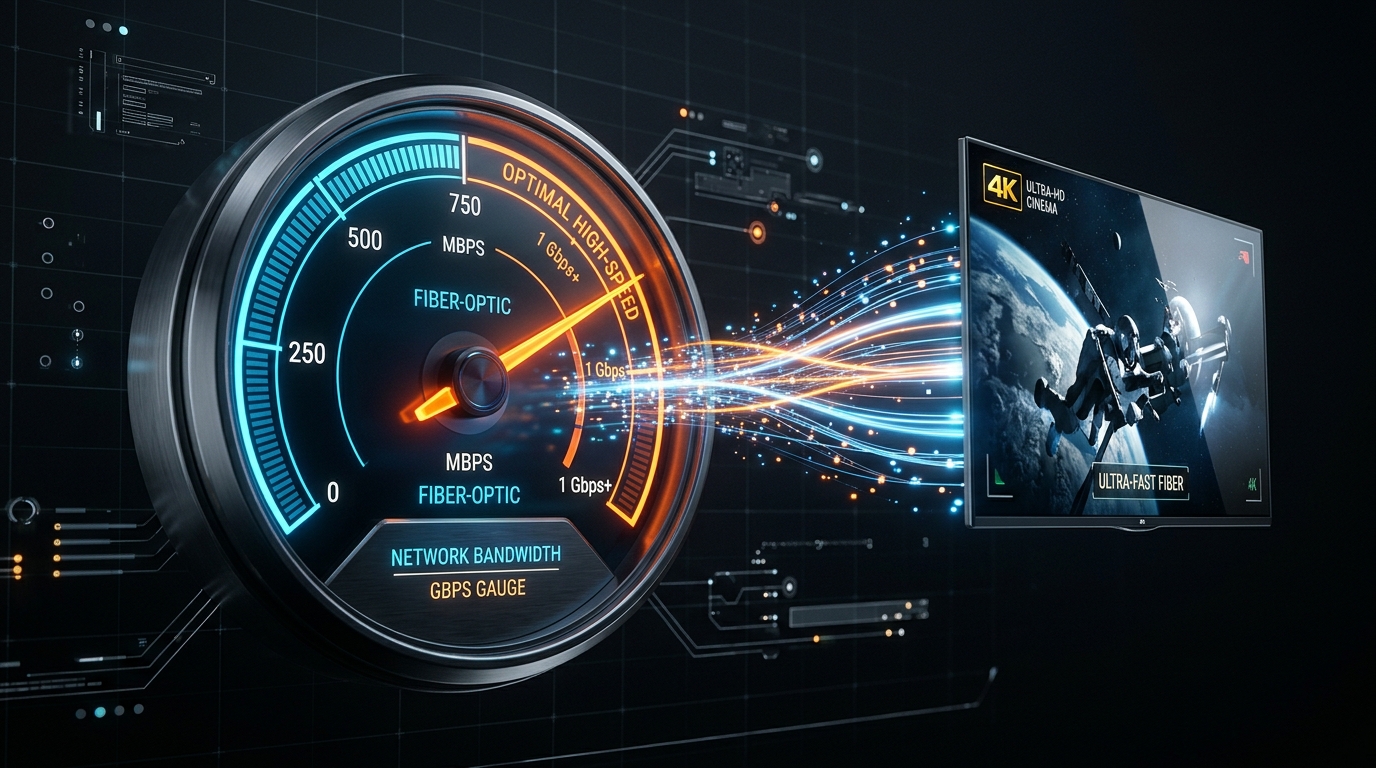
Official Speed Benchmarks by Resolution Tier
One of the most common misconceptions among streaming viewers is that you need a 1 Gigabit connection to watch live television. In reality, IPTV requires a consistent, dedicated data pipe rather than raw peak speeds.
| Resolution | Video Bitrate | Minimum Speed (1 TV) | Recommended Speed (Multi-Room) | strongiptv Support |
|---|---|---|---|---|
| Standard Definition (SD 480p) | 1.5 – 3 Mbps | 5 Mbps | 15 Mbps | ✓ Supported |
| Full HD (1080p 60FPS) | 6 – 10 Mbps | 15 Mbps | 35 Mbps | ✓ 55,000+ Channels |
| 4K Ultra HD (2160p HDR) | 15 – 25 Mbps | 35 Mbps | 75 Mbps | ✓ 15,000+ 4K Channels & VOD |
| 8K Ultra HD (4320p) | 40 – 60 Mbps | 50 Mbps | 100+ Mbps | ✓ Ultra HD Live Sports Feeds |
Why Download Speed Isn’t Enough: Ping, Jitter & Packet Loss
If your speed test says 200 Mbps on your phone, why does your TV still buffer? Because live television is streamed as real-time continuous UDP/TCP packets.
- Latency (Ping): The time it takes for a packet to reach the server and bounce back. For live IPTV, your ping should ideally be below 40ms. Over 100ms leads to channel load pauses.
- Jitter: The consistency of your ping over time. If ping jumps from 20ms to 180ms erratically, video frames arrive out of order.
- Packet Loss: The percentage of data packets that vanish in transit. Even a 2% packet loss causes noticeable audio hiccups and digital visual tearing.
How to Accurately Test Speed on Streaming Sticks
Testing speed on a laptop next to your router does not reflect what your TV gets behind drywall. On your FireStick or Android TV, open the Downloader app browser, navigate to fast.com (powered by Netflix CDNs), and let it run to see your device's actual speed.
Frequently Asked Questions (FAQ)
Can I stream IPTV on 4G or 5G mobile data?
Yes! 4G LTE typically delivers 20–50 Mbps, while 5G delivers 100–300 Mbps, which is more than enough for smooth 4K streaming.
How much data does IPTV use per hour?
At 1080p, IPTV consumes about 2.5GB to 3.5GB per hour. At 4K Ultra HD, it consumes roughly 7GB to 10GB per hour.
Our dedicated technical support team is online 24/7 on WhatsApp. Send us your device name and we will guide you step-by-step.