
How to Stabilize Wi-Fi for IPTV: Eliminate Lag, Jitter & Packet Drops
Updated November 2026 · 7 min read · Verified by strongiptv Engineering
Key Takeaways (Google Snippet)
To eliminate Wi-Fi buffering on IPTV: 1) Switch your streaming device from the crowded 2.4GHz Wi-Fi band to the 5GHz band. 2) In router settings, set 5GHz channel width to 80MHz and select a clean channel like 36 or 149. 3) Enable Quality of Service (QoS) to prioritize your TV's MAC address. 4) If distances exceed 25 feet, use a $15 USB Ethernet adapter.
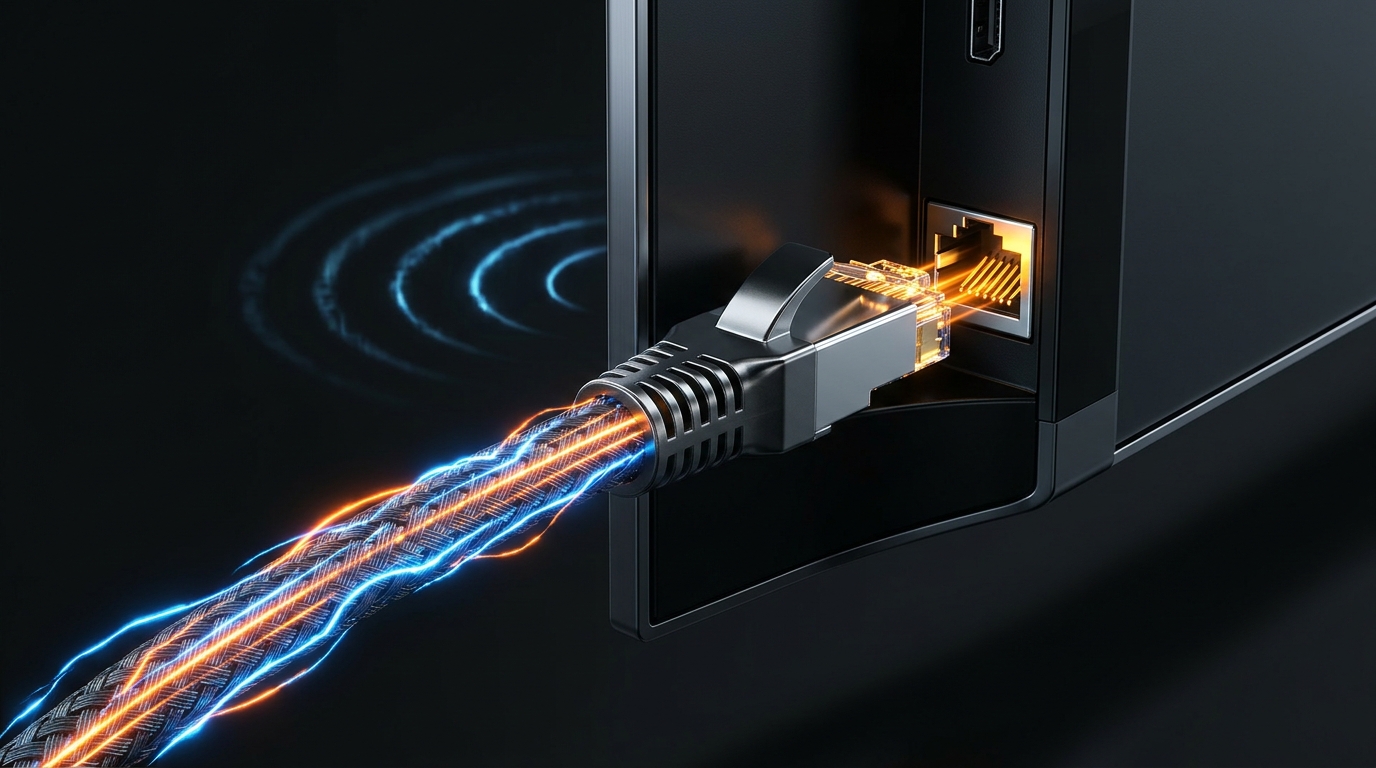
2.4GHz vs 5GHz: The Battle for Clean Streaming
Over 80% of reported IPTV buffering issues are caused by home Wi-Fi interference, not server bandwidth.
- The 2.4GHz Trap: The 2.4GHz band has only 3 non-overlapping channels (1, 6, 11). It is constantly polluted by baby monitors, Bluetooth headphones, microwave ovens, and neighboring Wi-Fi routers. This creates high packet loss that destroys live TV.
- The 5GHz Advantage: The 5GHz band offers dozens of clean channels and up to 1,300 Mbps bandwidth. Even though 5GHz has shorter range through thick concrete walls, within 25 feet of the router it provides jitter-free 4K and 8K streaming.
Fixing Channel Congestion with Wi-Fi Analyzers
Most home routers default to "Auto" channel selection, which frequently clumps your network onto the exact same channel your neighbor is broadcasting on. Download a free app like Wi-Fi Analyzer on your smartphone to scan your room. Log into your router admin panel (usually 192.168.1.1) and lock your 5GHz network onto an uncontested channel (such as 36, 44, or 149) with 80MHz channel width.
The Ultimate Fix: $15 USB Ethernet Adapters
If your TV is situated far from your router, Wi-Fi through walls will always experience packet loss. Amazon and UGREEN manufacture plug-and-play micro-USB and USB-C Ethernet adapters for FireStick ($14.99 on Amazon). Connecting a direct Cat6 cable provides zero packet loss, zero jitter, and instant channel switching.
Frequently Asked Questions (FAQ)
Will a Wi-Fi range extender help IPTV?
Budget single-band range extenders often worsen jitter because they cut bandwidth in half to relay the signal. A dedicated Mesh Wi-Fi system (like eero or Google Nest) with a dedicated backhaul is far superior.
Can strongiptv run smoothly on Wi-Fi?
Yes! On a clean 5GHz Wi-Fi network, strongiptv streams flawlessly with zero buffering.
Our dedicated technical support team is online 24/7 on WhatsApp. Send us your device name and we will guide you step-by-step.